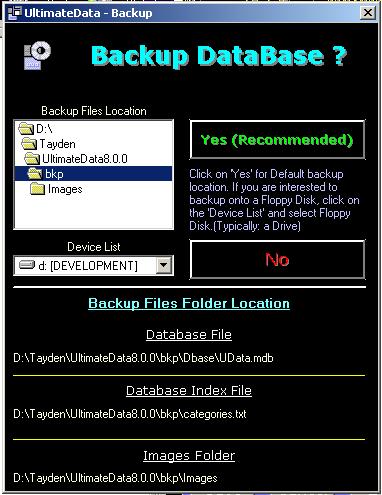
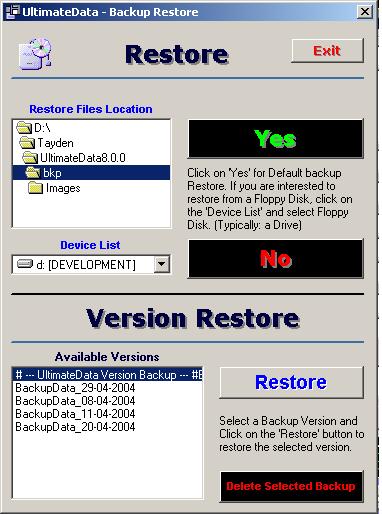
The system Restores automatically from the default folder. The
folder is:
Installation Drive/Program Files/Ultimate Data/Bkp
If you restore from a different location or media (Drive A: or
any other) please navigate to the appropriate location.
Version Restore
Version 8.0.0 offers date based versions restore. Each time you
EXIT the program it keeps a backup from that date and time. You may restore your
database from any available date. Simply SELECT the desired date backup version
and click on the: Restore button. Follow on-screen instructions.
You may delete backup versions from old dates. To delete a date
based backup version SELECT it and click on the 'Delete Selected Backup' button.
Search
We improved the 'Search' system. When typing the first few
letters of an Item, Category or Sub-Category, the found record will be
highlighted in RED and flash for few seconds! The 'Reset Icons' pull-down menu
reset the found records to their original color. (Black)
The new system is using advanced search algorithms for quick and
efficient record search.
For
any questions please email us at: info@tayden.com