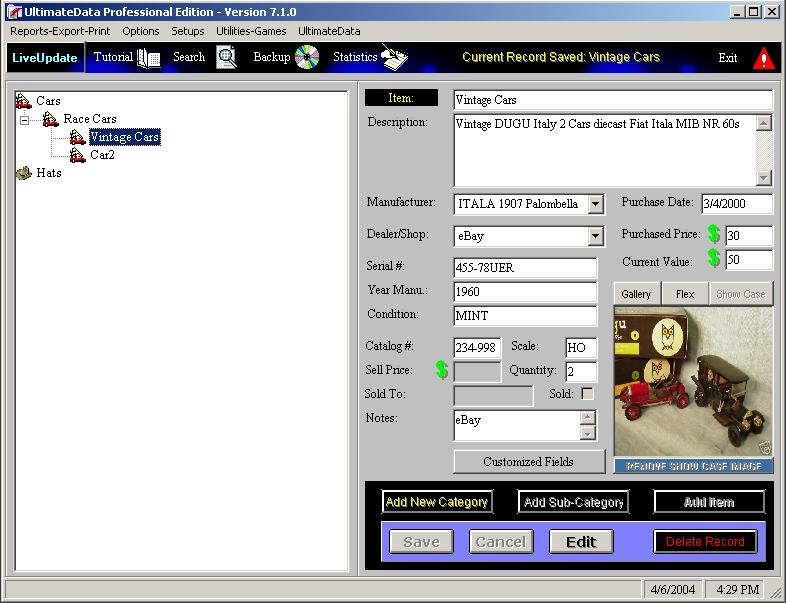
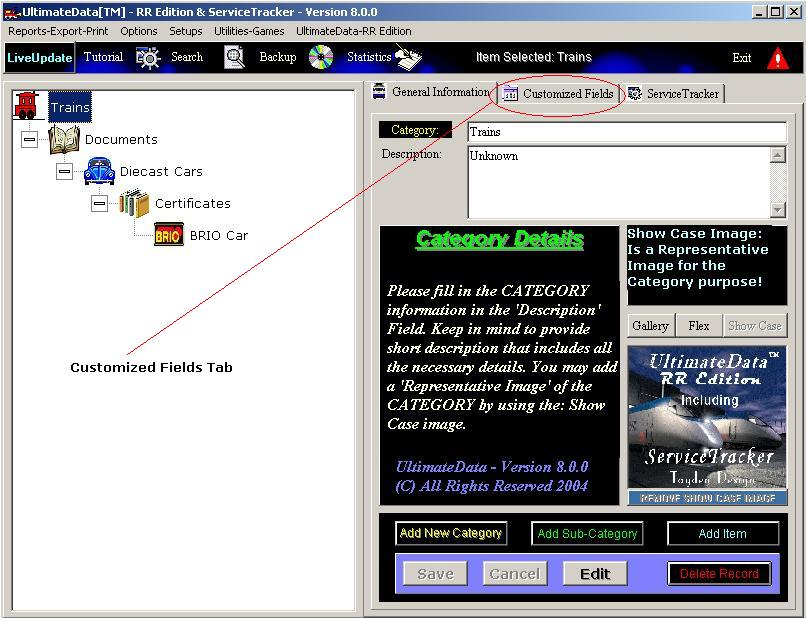
UltimateData™ provides you with fixed and customized
fields. Categories and sub-categories are equipped with 'Category' name
and 'Description' fields. It is also recommended to assign a Showcase
image for identification. Items are equipped with a variety of fields to
collect the most vital information.
Usage: When you Add or Edit an item the program will place
the cursor at the first field. Category, Sub-Category or Item name. Type
the item's details and move the cursor to the next field simply by
clicking on the TAB key or Left Click with the mouse on the desired field.
The next image applies to
UltimateData™ and
UltimateData™ RR Edition
version 6.0.1, 7.0.0, 7.0.1 and 8.0.0
The next images applies to
UltimateData™ RR Edition + ServiceTracker version 6.0.1,
7.0.0, 7.0.1 and 8.0.0
-
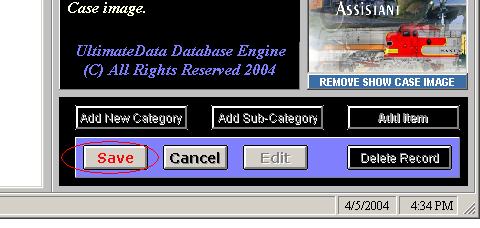
To Complete the Addition or Edition operation
-
Click on the flashing 'Save' button!
Customized Fields
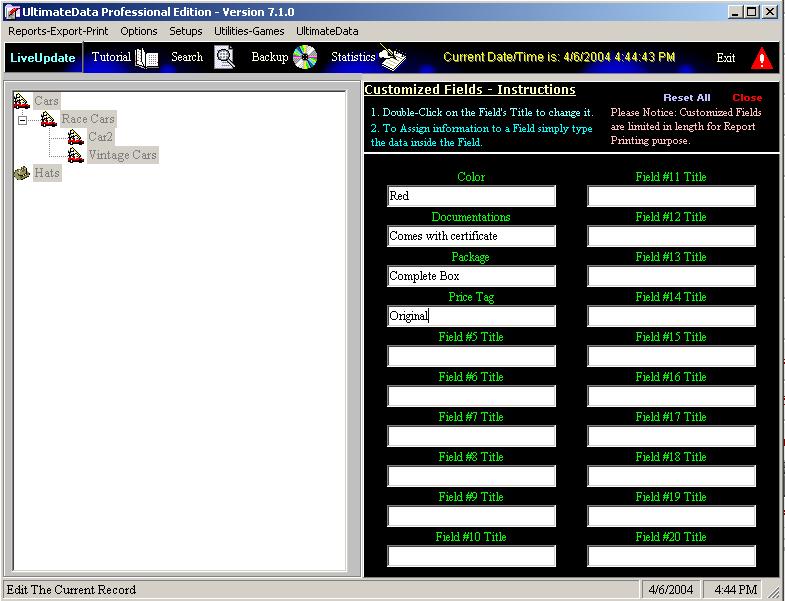
UltimateData™ provides you with twenty (20) customized fields. You can
customize the field title and content.
Please Note: Customized Fields are Length-Limited for Report Print
purposes.
-
To Complete the Addition or Edition operation
-
Click on the flashing 'Save' button!
For
any questions please email us at: info@tayden.com



