 |
All Aboard Data Express
Export and Import |
|
|
|
|
|
|
| All
Aboard Data Express™ provides an easy importing and exporting
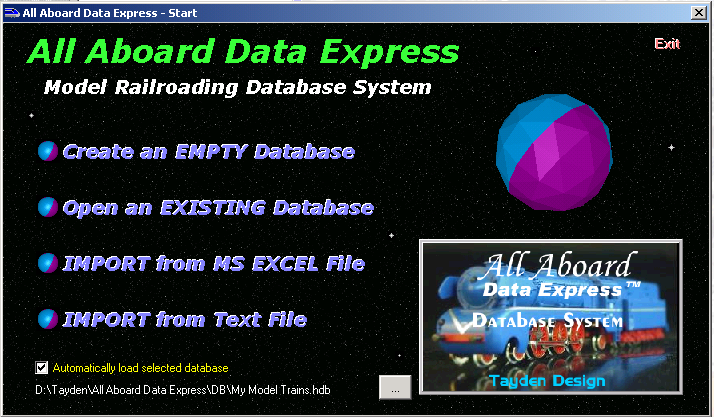
features. Both features are available through the start window (Importing)
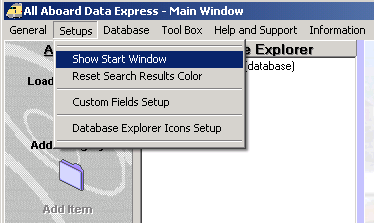
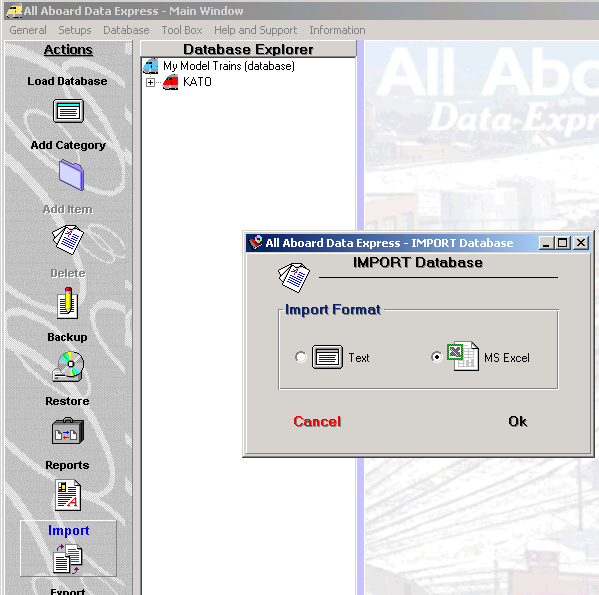
and the action bar. (Importing/Exporting) Import You can You may import directly from an MS Excel or a Text file. You can open the start window from the Setups pull-down menu. Also you may click on the: Import button on the Action bar.
|
|
|
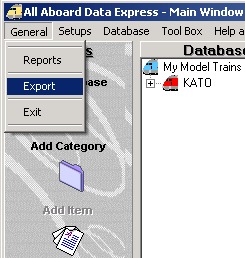
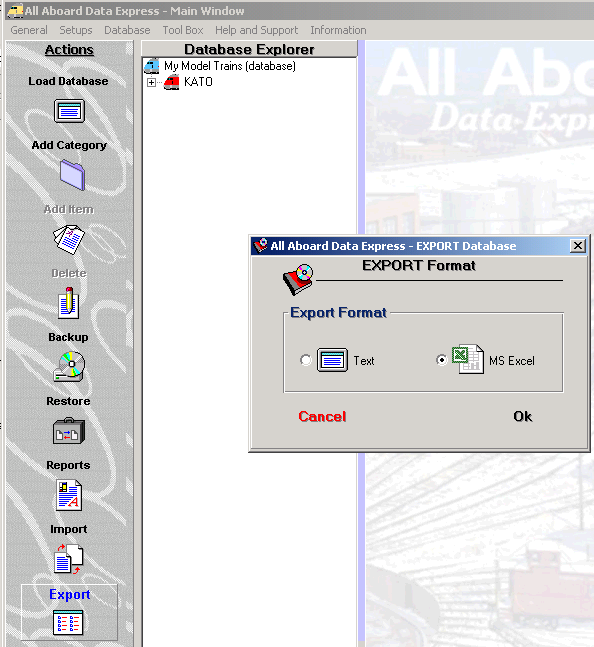
Export Export - You may access this feature from the General pull-down menu or click on the Export button in the Action Bar.
Export - Select the Export type (MS Excel or Text) and click: Ok. Tayden Design Technical Publications |
|